ANÚNCIOS
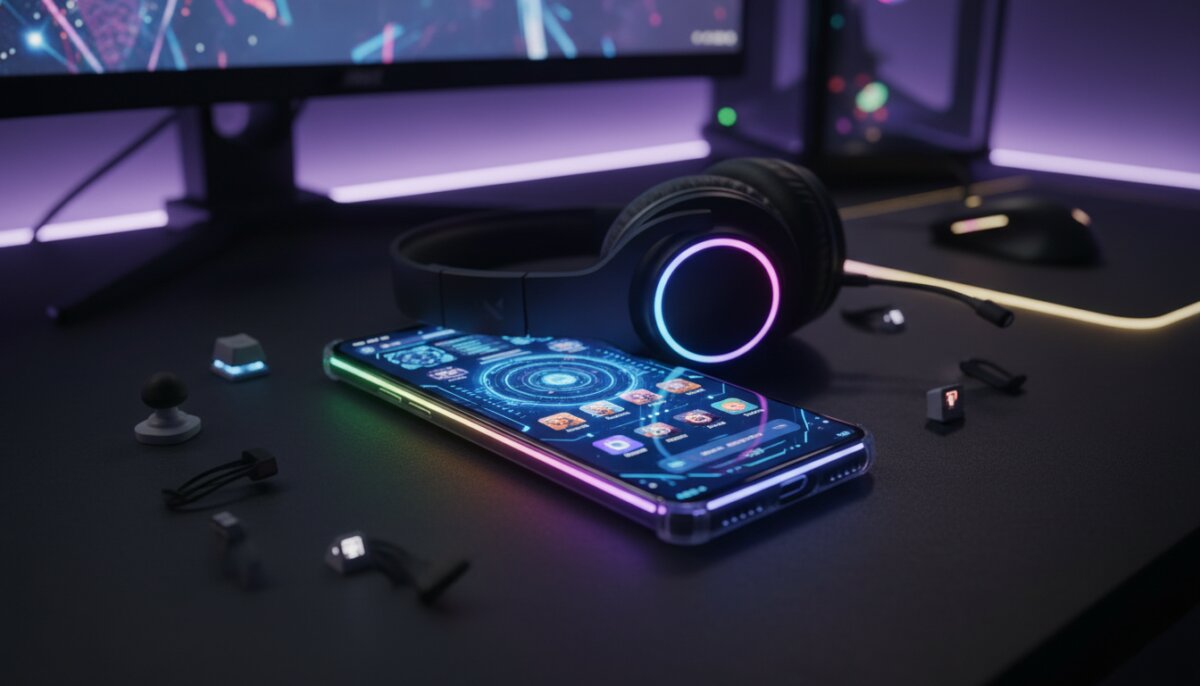
Let’s be real – your phone is basically your gaming console these days. Whether you’re grinding through Genshin Impact, climbing ranks in Mobile Legends, or building your empire in Clash of Clans, your mobile device deserves to look as epic as the games you’re playing on it.
The good news? You don’t need to spend hundreds on a gaming phone to get that sweet gaming aesthetic. There are tons of customization apps that can transform your regular smartphone into a sleek gaming setup that would make any PC gamer jealous.
ANÚNCIOS
I’ve spent weeks testing different customization apps, and I’m here to share the absolute best ones that’ll make your phone scream “gamer” from every pixel. Let’s dive in!
Why Customize Your Phone for Gaming?
Before we jump into the apps, you might be wondering why you should even bother customizing your phone. Well, aside from the obvious cool factor, there are actually some legit reasons.
ANÚNCIOS
First off, a gaming-themed interface can actually improve your gaming experience. When everything on your phone is optimized for quick access to your games and gaming tools, you spend less time navigating menus and more time actually playing.
Plus, let’s not forget the psychological boost. When your phone looks like a dedicated gaming machine, you’re more likely to take your mobile gaming seriously. It’s the same reason streamers invest in RGB lighting – it just feels right.
Nova Launcher: The Foundation of Your Gaming Setup
If you’re serious about transforming your Android phone into a gaming powerhouse, Nova Launcher is where you need to start. This isn’t just any launcher – it’s the Swiss Army knife of home screen customization.
What makes Nova Launcher perfect for gamers is its incredible flexibility and performance optimization. You can create custom gestures to launch your favorite games instantly, set up gaming-specific folders with custom icons, and even adjust animation speeds to make everything feel snappier.
The best part? Nova Launcher is lightweight and won’t eat up your RAM like some other launchers. That means more resources available for your actual games, which is exactly what you want.
Key Features for Gamers
- Custom gesture controls for instant game launching
- Icon pack support for gaming-themed aesthetics
- Grid customization to fit more game shortcuts
- Performance-optimized animations
- Backup and restore functionality for your perfect setup
KWGT: Create Your Own Gaming Widgets
KWGT (Kustom Widget Maker) is where things get really interesting. This app lets you create completely custom widgets that can display anything from your gaming stats to system performance metrics.
Imagine having a widget on your home screen that shows your phone’s CPU and GPU usage, battery temperature, and RAM availability – all styled to match your favorite game’s UI. That’s exactly what KWGT enables you to do.
The learning curve is a bit steep if you want to create everything from scratch, but there’s a massive community sharing pre-made gaming widgets. You can find widgets inspired by Cyberpunk 2077, Apex Legends, and pretty much any major game you can think of.
Zedge: Gaming Wallpapers and Ringtones
Your wallpaper sets the entire vibe for your phone, and Zedge has been the go-to source for custom wallpapers and ringtones for years. The app has an absolutely massive collection of gaming-specific wallpapers in every resolution imaginable.
Whether you want a minimalist design featuring your favorite game’s logo or an action-packed scene from the latest AAA mobile release, Zedge has you covered. The app also offers live wallpapers that can add some serious flair to your setup.
Don’t sleep on the ringtone section either. You can set your notification sounds to iconic game audio cues – imagine getting a text and hearing the Fortnite shield break sound or a Minecraft experience orb pickup.
Icon Pack Studio: Gaming-Themed Icons
Stock app icons are boring, and they definitely don’t scream “gaming setup.” Icon Pack Studio solves this problem by letting you either create custom icons or download pre-made gaming icon packs.
The app works seamlessly with Nova Launcher and other custom launchers, allowing you to give every app on your phone a cohesive gaming aesthetic. You can go for neon cyberpunk vibes, retro pixel art, or sleek futuristic designs.
What I love about Icon Pack Studio is that you can mix and match different styles. Maybe you want your games to have one style and your productivity apps to have another – totally doable.
Game Booster Apps: Function Meets Form
While we’re focusing on aesthetics, we can’t ignore functionality. Several game booster apps not only improve your gaming performance but also come with customizable gaming interfaces that add to the overall gaming setup vibe.
Game Turbo (Xiaomi)
If you have a Xiaomi phone, Game Turbo is built right in, and it’s fantastic. The interface looks like something straight out of a sci-fi game, with performance metrics, network speed indicators, and quick access buttons all designed with a gaming aesthetic in mind.
Even if you don’t have a Xiaomi device, similar apps like Game Launcher (Samsung) or third-party options like Dr. Booster offer comparable features with customizable gaming-focused interfaces.
Niagara Launcher: The Minimalist Gaming Approach
Not everyone wants their phone to look like a RGB-lit gaming PC. If you prefer a cleaner, more minimalist approach while still maintaining that gaming edge, Niagara Launcher is worth checking out.
This launcher takes a radically different approach with a vertical app list and gesture-based navigation. It’s perfect for gamers who want quick access to their games without visual clutter. The minimalist design actually makes your gaming wallpapers stand out even more.
Niagara also includes a pop-up widget feature that lets you access game-related information without leaving your home screen. It’s sleek, it’s fast, and it definitely has that modern gaming aesthetic.
Tasker: Automate Your Gaming Experience
Tasker is for the hardcore customization enthusiasts who want their phone to automatically transform into gaming mode based on specific triggers. This app lets you create automated tasks that can completely change your phone’s appearance and behavior.
For example, you can set up Tasker to automatically switch to a gaming wallpaper, enable Do Not Disturb, boost performance settings, and launch your game booster app – all when you open a specific game. When you close the game, everything reverts back.
The possibilities are genuinely endless, though I’ll warn you that Tasker has a steep learning curve. But if you’re willing to invest the time, you can create a phone experience that’s truly tailored to your gaming habits.
Pros and Cons of Heavy Customization
Before you go all-in on transforming your phone, let’s talk about the reality of heavy customization. It’s not all RGB rainbows and epic wallpapers.
Pros
- Personalized gaming experience that reflects your style
- Quick access to games and gaming tools
- Potential performance improvements with the right apps
- Stand out from the crowd with a unique setup
- Better organization of gaming and non-gaming apps
- Motivation to take mobile gaming more seriously
Cons
- Can consume additional battery life
- Some apps require premium purchases for full features
- Learning curve for advanced customization tools
- Potential compatibility issues with certain devices
- Time investment to set everything up perfectly
- May need to reset customizations after system updates
Edge Lighting: Add That RGB Glow
Every gaming setup needs some RGB lighting, right? Edge Lighting apps bring that concept to your phone by creating colorful light effects around your screen edges during notifications or while gaming.
Apps like Edge Lighting Colors and Always On AMOLED let you customize the colors, patterns, and triggers for edge lighting effects. You can set different colors for different games or notifications, creating a truly immersive lighting experience.
On AMOLED displays, these effects look particularly stunning and don’t drain battery as much as you’d think. Just don’t go overboard – you don’t want your phone looking like a Christmas tree during serious gaming sessions.
Navbar Apps: Complete the Look
Your navigation bar is prime real estate for customization. Apps like Navbar Apps and Custom Navigation Bar let you redesign your navigation buttons to match your gaming theme.
You can replace the standard back, home, and recent apps buttons with gaming-themed icons, or even add custom buttons that launch specific games or gaming tools. Some apps let you change the navbar color to match your wallpaper automatically.
This level of detail might seem excessive, but it’s these small touches that take your setup from “pretty cool” to “absolutely epic.” Consistency across all elements of your interface creates a polished, professional gaming aesthetic.
Creating a Cohesive Gaming Theme
Here’s the thing – you can download all these apps, but if you don’t have a cohesive vision, your phone will just look like a messy collection of random gaming stuff. The key is choosing a consistent theme and sticking with it.
Decide whether you want a futuristic cyberpunk vibe, a retro arcade aesthetic, a specific game’s theme, or a general RGB gaming look. Once you’ve decided, make sure your wallpaper, icons, widgets, and colors all complement each other.
I recommend starting with your wallpaper and building everything else around it. Choose your icon pack based on the wallpaper’s color scheme, then design or download widgets that match. This approach ensures everything looks intentional rather than thrown together.
Performance Considerations
Let’s talk about the elephant in the room – will all this customization slow down your phone? The honest answer is: it depends on what you install and how you configure it.
Lightweight launchers like Nova Launcher actually have minimal impact on performance. Live wallpapers and complex widgets, however, can eat up resources. The trick is finding the right balance between aesthetics and performance.
My recommendation? Stick to static wallpapers or subtle live wallpapers, limit the number of widgets on your home screen, and avoid running multiple overlay apps simultaneously. You want your phone to look like a gaming setup without sacrificing actual gaming performance.
Tips for Maximum Impact
After extensive testing and tweaking, I’ve learned a few tricks that can take your gaming phone customization to the next level without overwhelming your device or your sanity.
First, use your lock screen strategically. While your home screen should be functional, your lock screen can be purely aesthetic. Go wild with an epic gaming wallpaper that sets the tone before you even unlock your phone.
Second, organize your apps into themed folders with custom icons. Create a “Battle Royale” folder for Fortnite, PUBG, and Apex Legends, or a “Strategy” folder for your tactical games. This keeps things organized while maintaining the gaming aesthetic.
Third, don’t forget about your notification shade and quick settings. Some customization apps let you theme these areas too, and they’re parts of your phone you interact with constantly.
Final Thoughts
Transforming your phone into a gaming setup is more than just making it look cool – it’s about creating an environment that enhances your mobile gaming experience. The apps I’ve covered give you all the tools you need to build something truly unique.
Start simple with a launcher and icon pack, then gradually add more customization as you get comfortable. There’s no rush to implement everything at once. The beauty of these apps is that you can experiment and adjust until you find your perfect setup.
Remember, the goal is to make your phone feel like a dedicated gaming device that you’re excited to use. Whether you go for an over-the-top RGB extravaganza or a sleek minimalist approach, make it yours. Your phone is your most personal device – it should reflect your passion for gaming in every pixel.
Now get out there and start customizing. Your epic mobile gaming setup awaits!